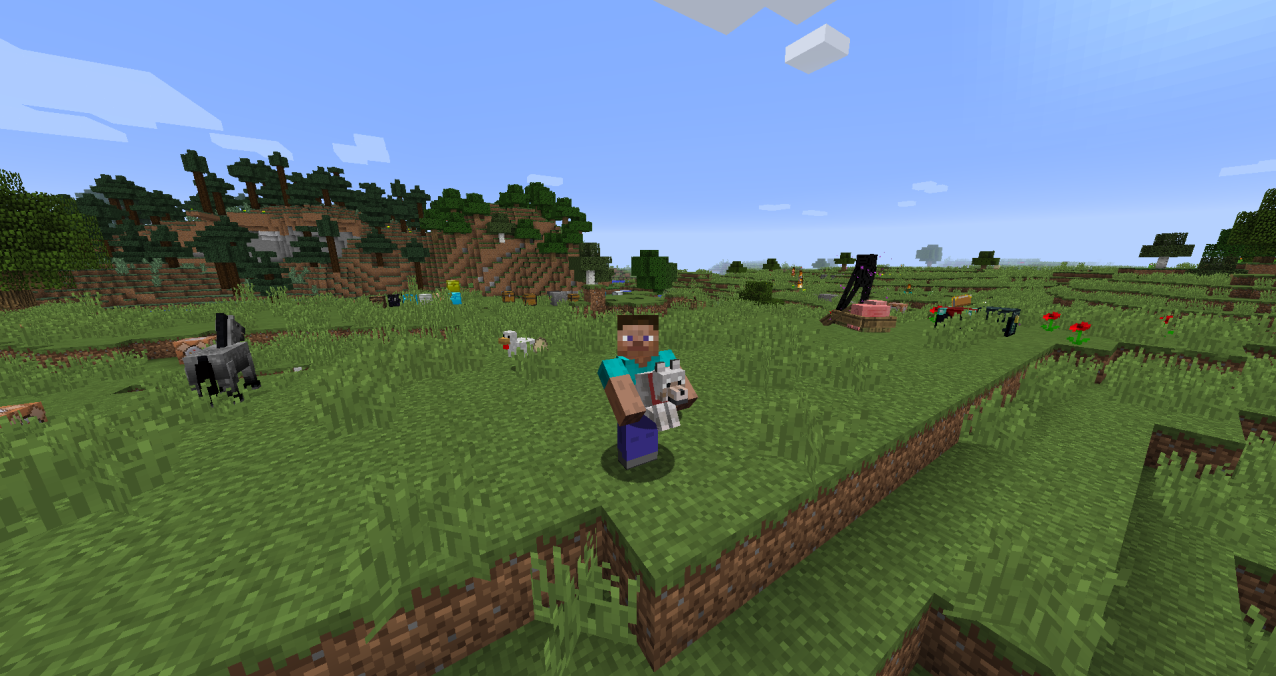
Use this guide as a compatibility-first checklist. Modded Minecraft is most reliable when the game version, loader and mod release are treated as one matched set.
Minecraft crashes on launch
Read the first relevant loader error, then check version mismatch, wrong loader file, missing dependency and duplicates before changing multiple things at once.
The mod is missing
Verify the active game profile, its mods directory and the loader shown on the title screen or launcher.
The game starts but carrying does not work
Check the mod configuration and controls, then test a simpler supported target. Servers can also impose their own settings.
Conflicts in large modpacks
Duplicate the profile and remove unrelated mods until the issue disappears. This creates a smaller reproduction you can reason about.
Related setup checks
- Back up important worlds before a loader or mod change.
- Keep only one intended Carry On build in the active mods folder.
- Use the same Minecraft profile you used when checking compatibility.
Download Now after you have verified the version and loader you intend to use.